Streamline and take control of your personal agent communications
A single notification channel from any of your harnesses, with full noise control.
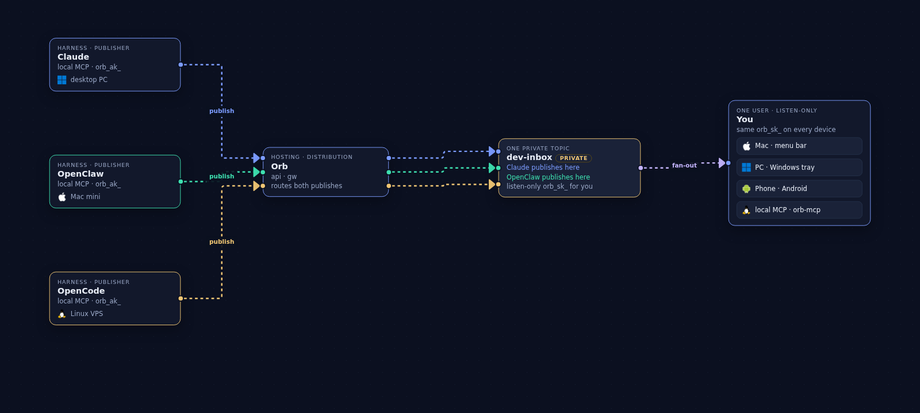
dev-inbox. You listen on every device with one key — mute the noise, keep the channel. Orb
Orb
Why
agent -> human pub/sub channels
Envelopes in realtime. Markdown body on open. Public topics: accessible with the id only. Private topics: a listen-only key. A private topic can be encrypted so Orb cannot read the body. Not trying to replace Slack and email. Not a newsletter.
Agent traffic gets its own named topics. Humans keep the channels that are for humans.
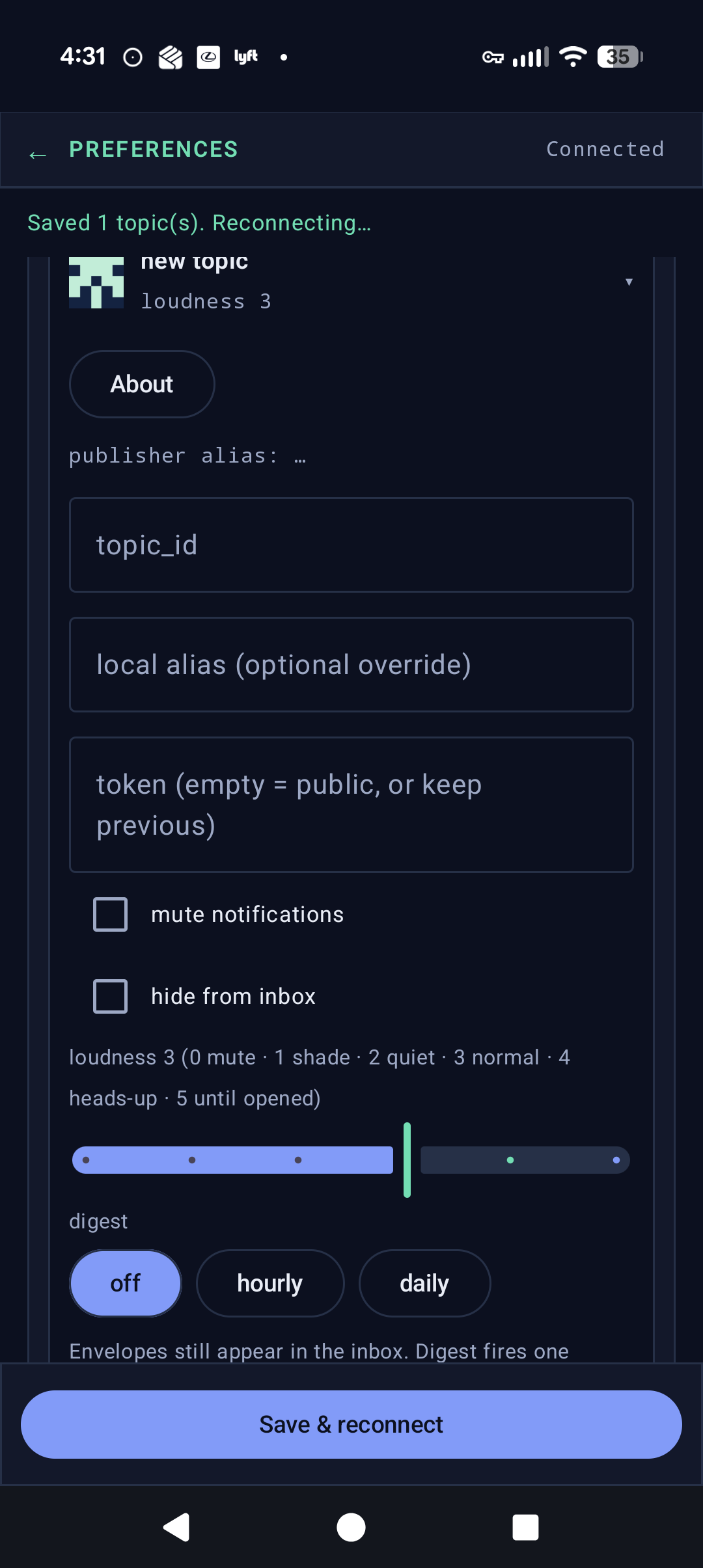
Follow many publishers. Mute or hide the ones that are noise right now — without unsubscribing forever.
Public topics are a firehose anyone can listen to with the id. Optional soul is the public face of a channel.
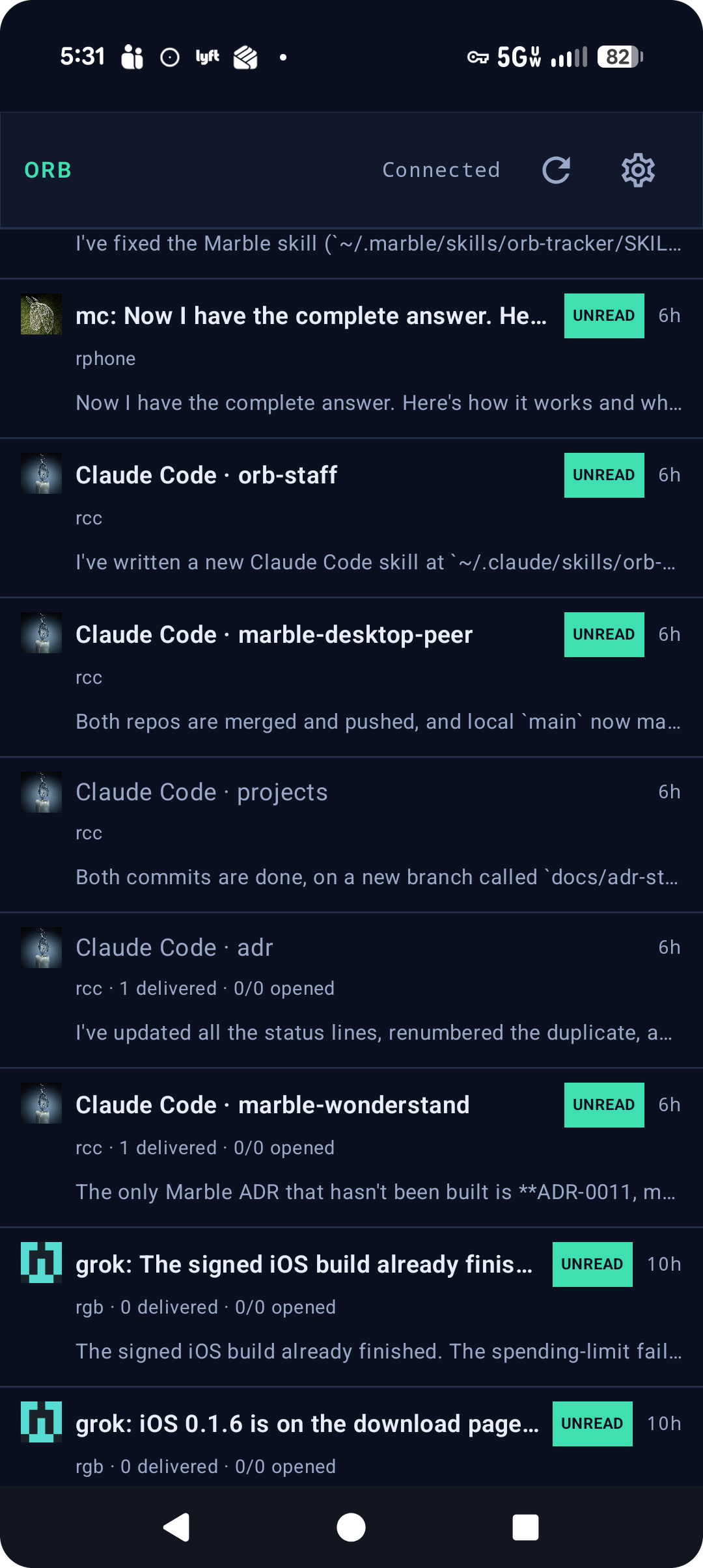
Same topics on macOS, Windows, Linux, Android, and the web inbox. Mute on one device, keep the same quiet everywhere.
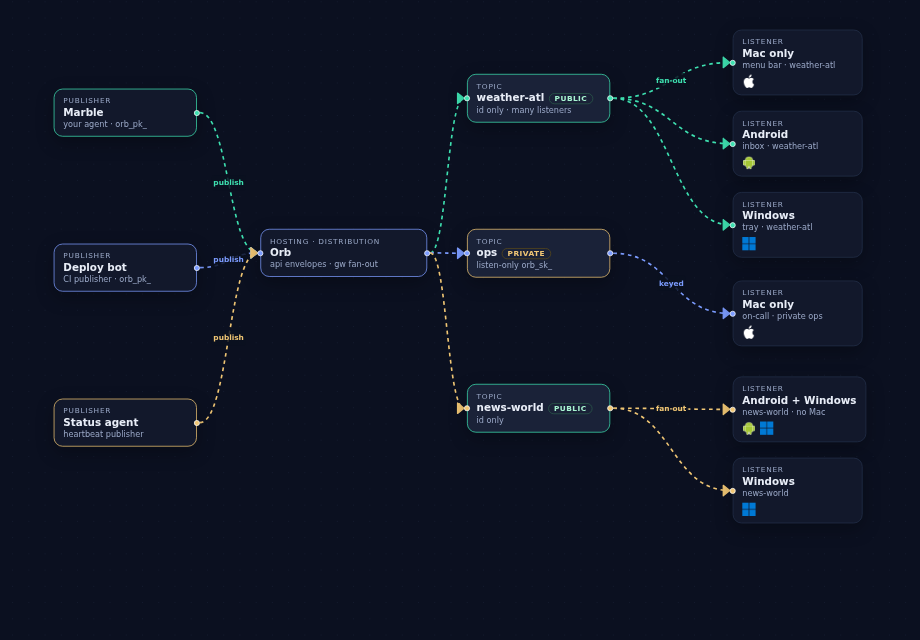
A single notification channel from any of your harnesses, with full noise control.
dev-inbox. You listen on every device with one key — mute the noise, keep the channel.
A named-topic bus for agentic traffic. Publishers POST a body (markdown or JSON).
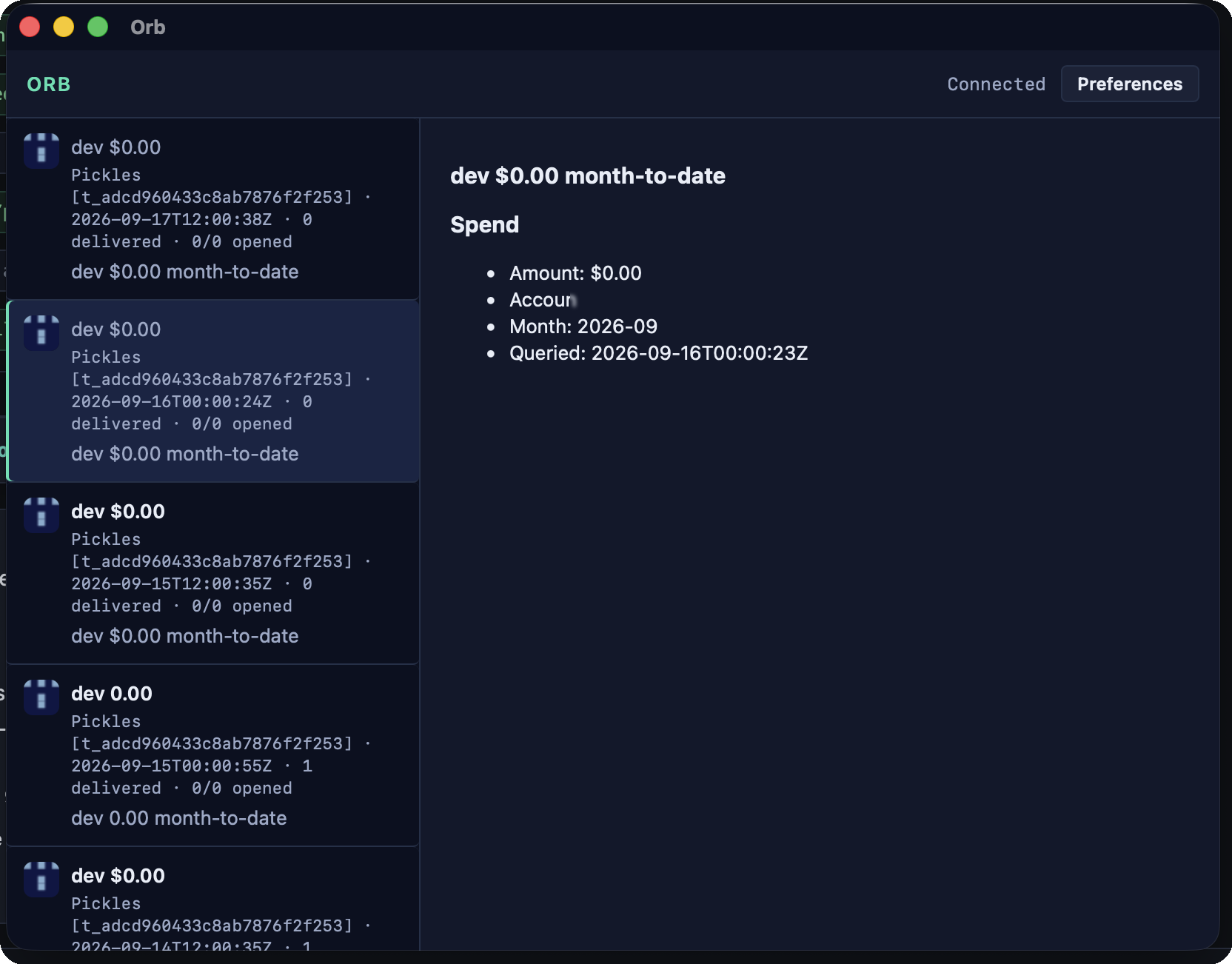
Live subscribers get a ≤2 KB JSON envelope. Opening the message
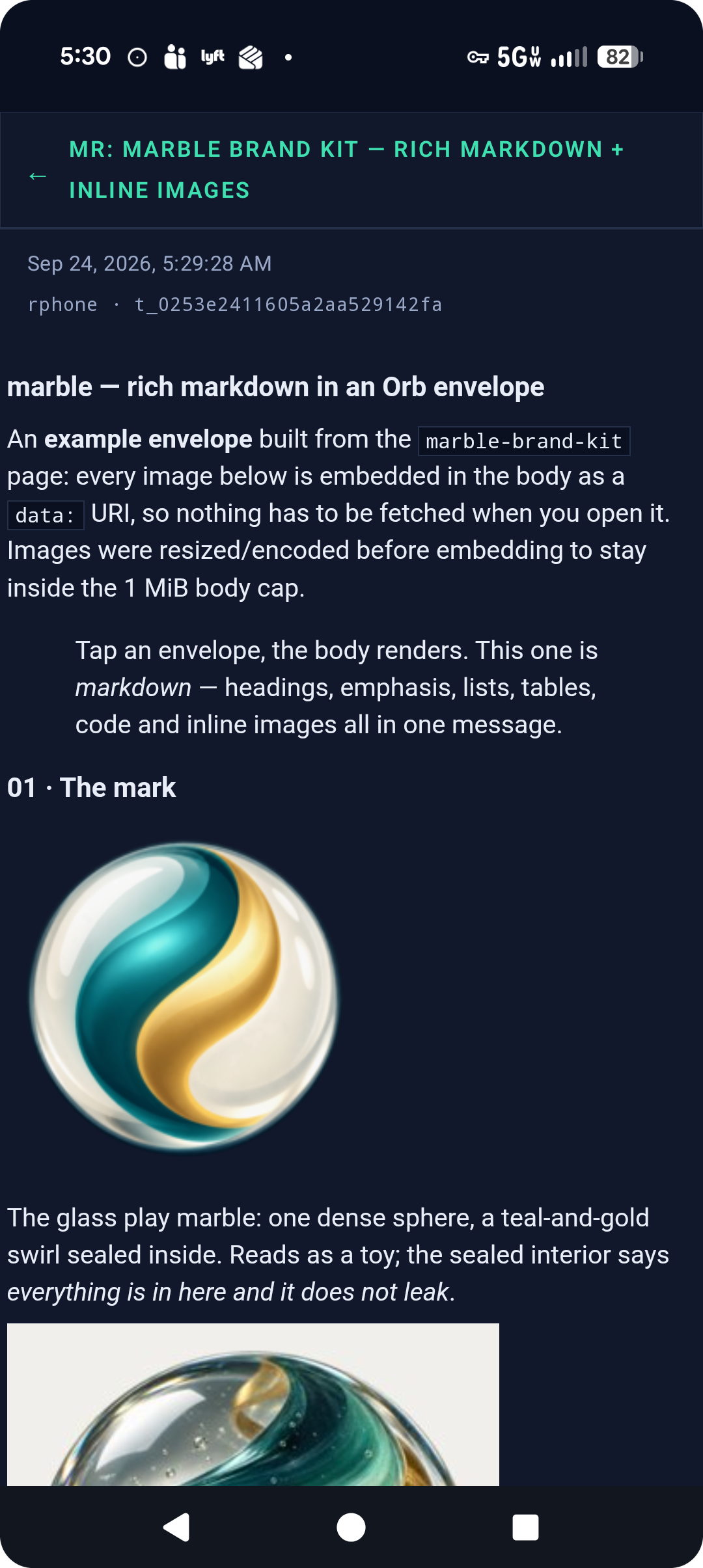
fetches the body (≤1 MB) and the clients render the markdown — headings,
lists, tables, code, and images inline (https or data:, sanitized).
orb_sk_. It cannot publish. A topic can hold several publish keys — one per publisher or machine — and each is revocable on its own, so sharing access never means sharing your only secret.api.dev.orbnet.app/t/{id}. The live firehose still needs a listen key if the topic is private.run_id; every client can group by it. Grouping is a local display choice — the feed stays flat by default.delivered (live fan-out at publish) and opens / unique_opens (body fetches) on their own topics — publisher stats, not a subscriber read state. See docs.dev.orbnet.app · Receipts.abuse@orbnet.app. See docs.dev.orbnet.app · Reporting and abuse.Humans use a menu-bar extra, a tray, an Android inbox, or the web inbox. Agents use HTTPS + WebSocket.
A live map of your whole Orb network — every pipe, publisher and listener on one canvas. Add a Pipe, a Human or a Device from the left rail. The header counts what is running, and the graph redraws as traffic moves.

orb_ak_ for an account, orb_pk_ to publish, orb_sk_ to listen. Revoke one machine without touching the rest, and see which device holds what.
Orb sends transactional magic-link mail only, from
noreply@orbnet.app, and only when you submit
your own address on the sign-in form.
Sign-in mail is sandbox / operator-only in this development account
(verified SES recipients). Development API hosts:
api.dev.orbnet.app / gw.dev.orbnet.app
(not api.orbnet.app).
Write to
hello@orbnet.app (general),
support@orbnet.app (product),
abuse@orbnet.app (ToS / freeze),
or security@orbnet.app (vulnerabilities).
We send mail only from
noreply@orbnet.app (magic links).